


Why Google Maps Is Now Your Digital Storefront
For most plumbers, the first time a potential customer interacts with their business isn’t through a website or a phone call. It’s their Google Maps listing.
When someone searches "plumber near me" on their phone, Google pops up with a map and a handful of local results—star ratings, phone numbers, hours, directions, the works. That listing is the digital storefront now, and plumbers who treat it that way? They’re the ones booking more jobs.
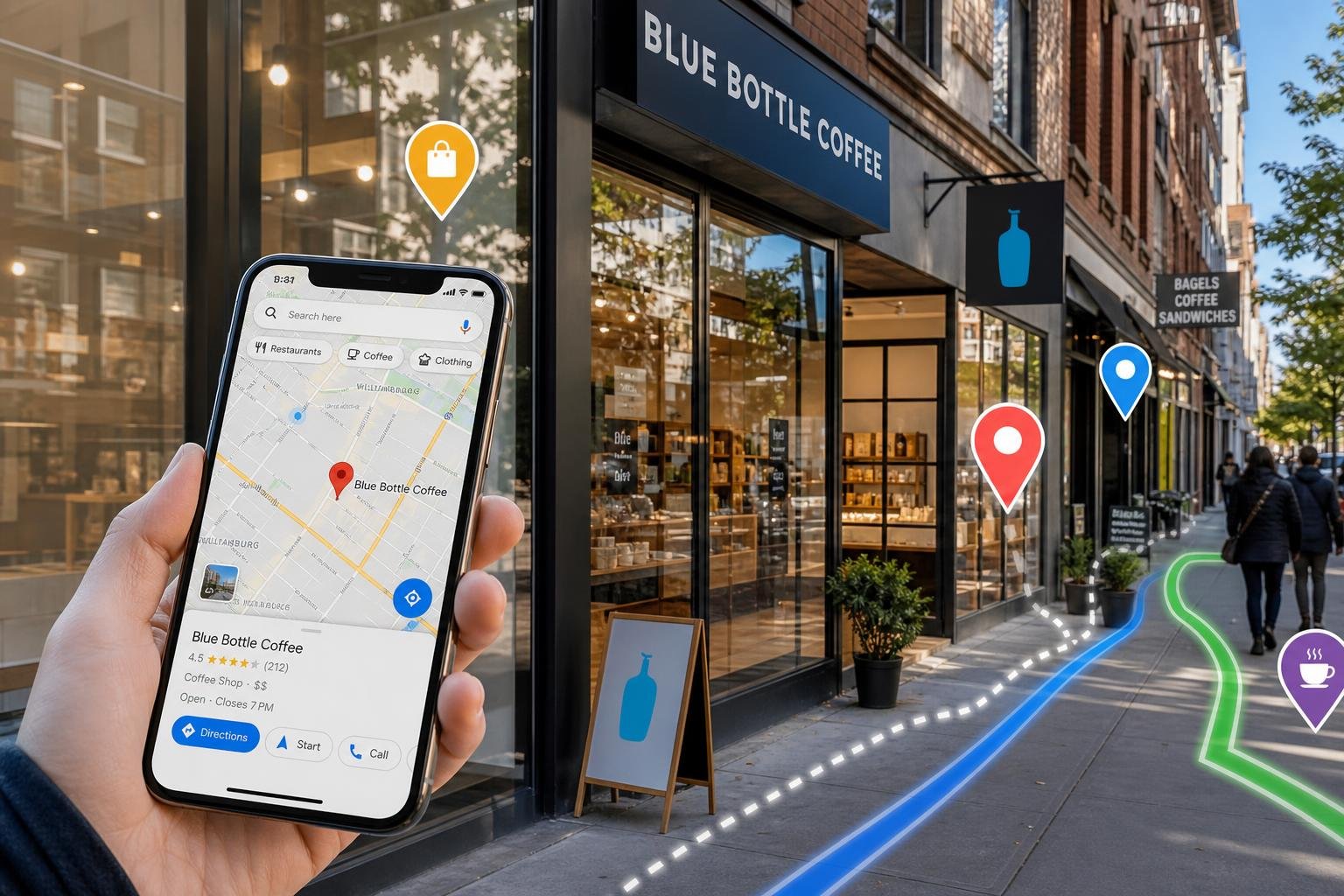
Google Maps isn’t just for directions anymore. It’s a search engine and a decision engine, used by billions of people.
Google says 76% of people who search for something nearby visit a business within 24 hours. And 28% of those searches end in a purchase.
If you’re a plumber in Brazoria County or anywhere similar, that’s the difference between a packed schedule and a quiet week. It really does come down to what Google shows in the local pack.
This guide unpacks how Google Maps acts as your digital storefront in 2026. We’ll cover what makes a Google Business Profile turn browsers into booked calls, how the local ranking algorithm ticks, and whether a solo plumber can realistically handle it all without outside help.
If you want a head start, SEO My Website Guru offers a free consultation and a 30-Day Results Guarantee tied to real visibility improvements.
Key Takeaways
- A Google Maps listing is often the first—and sometimes only—thing a potential customer sees before calling a plumber.
- Google ranks local results based on relevance, distance, and prominence. You can actually improve each of those with steady optimization work.
- Managing a competitive Google Business Profile takes ongoing effort. It’s not a “set it and forget it” thing.
How Customers Choose a Plumber on Google
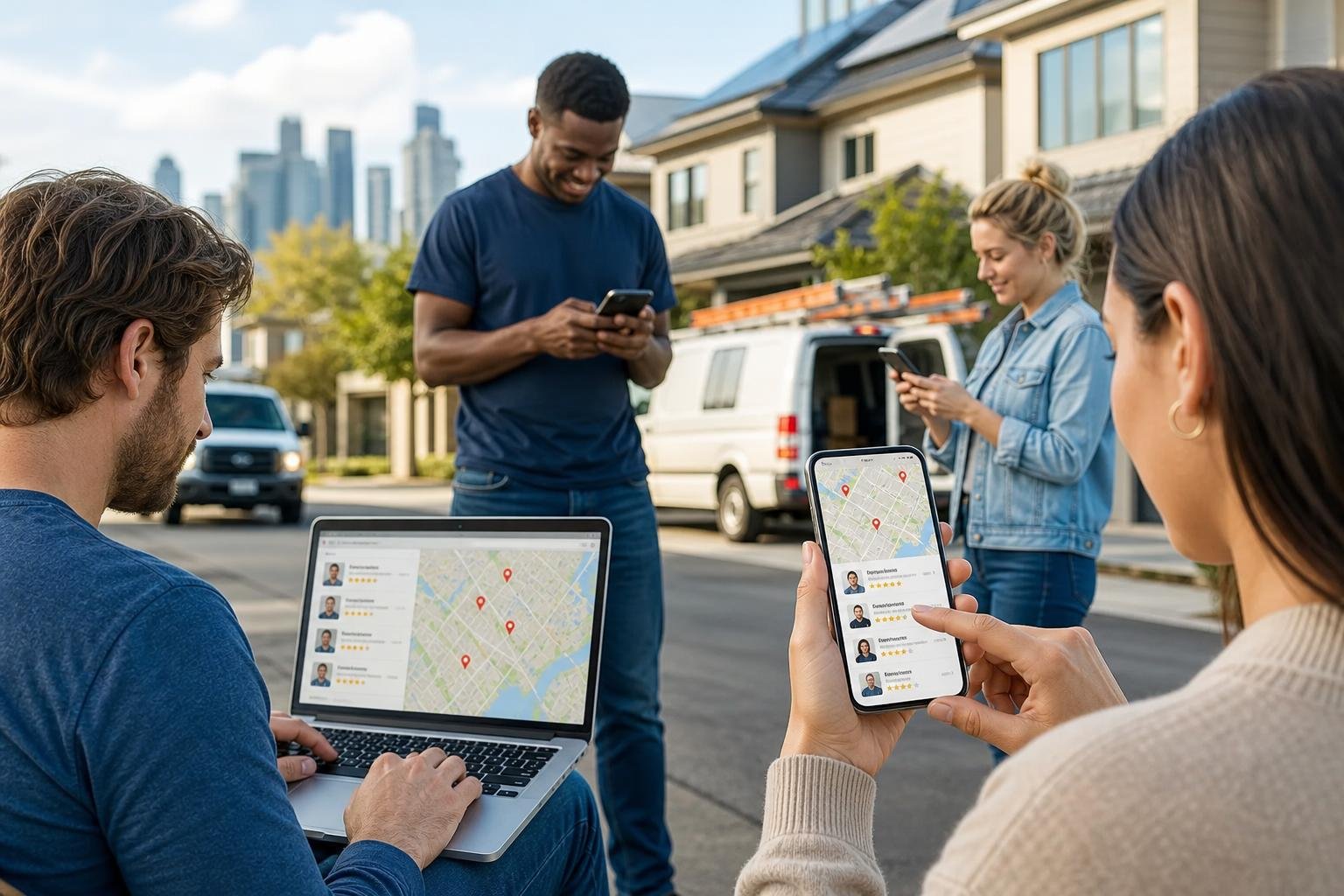
When a pipe bursts or the water heater gives up, people don’t wait around. The customer journey from search to phone call happens in seconds.
The map pack dominates the screen. Reviews build trust instantly, and click-to-call removes any friction between finding and calling.
Why "Plumber Near Me" Searches Convert So Fast
"Plumber near me" is one of the most high-intent local searches out there. The person typing it isn’t planning ahead—they’ve got a problem right now.
Google knows this. The search results shove the local pack (that map with three listings) right to the top. You see the business name, star rating, hours, phone number, and a directions link, all at a glance.
On mobile, the map pack takes over most of the screen. This speed really matters.
As shown in a 2026 plumbing marketing breakdown, plumbing customers usually just call whoever pops up first and looks trustworthy. They don’t scroll down to compare websites.
With voice search, it’s even more extreme—smart assistants usually read back just one or two top results.
How Google Maps Shapes Click-to-Call and Get Directions Actions
The map pack is made for action. Each listing has a click-to-call button and a directions link.
No need to visit a website, hunt for a contact page, or fill out a form. Tap the phone icon, and you’re dialing the plumber right away.
This is a big reason Google Maps brings in some of the most valuable leads for plumbing and HVAC companies. The lead is already qualified—they searched, they found, and they called.
Every click, call, and direction request sends data back to Google, which then shapes future visibility.
Why the Map Pack Often Beats Traditional Website Listings
A good website still matters. But for local service businesses like plumbers, the map pack grabs more online traffic for high-intent searches than any organic website link below it.
The reason’s simple: the map pack answers the question faster. It shows who’s nearby, who has solid reviews, and how to reach them—all before you even load a website.
Google Maps rankings often matter more than website rankings for local businesses. The map result catches the customer right at the point of decision.
The website still supports your profile, but the profile is what closes the deal.
What Makes a Google Business Profile Act Like a Storefront
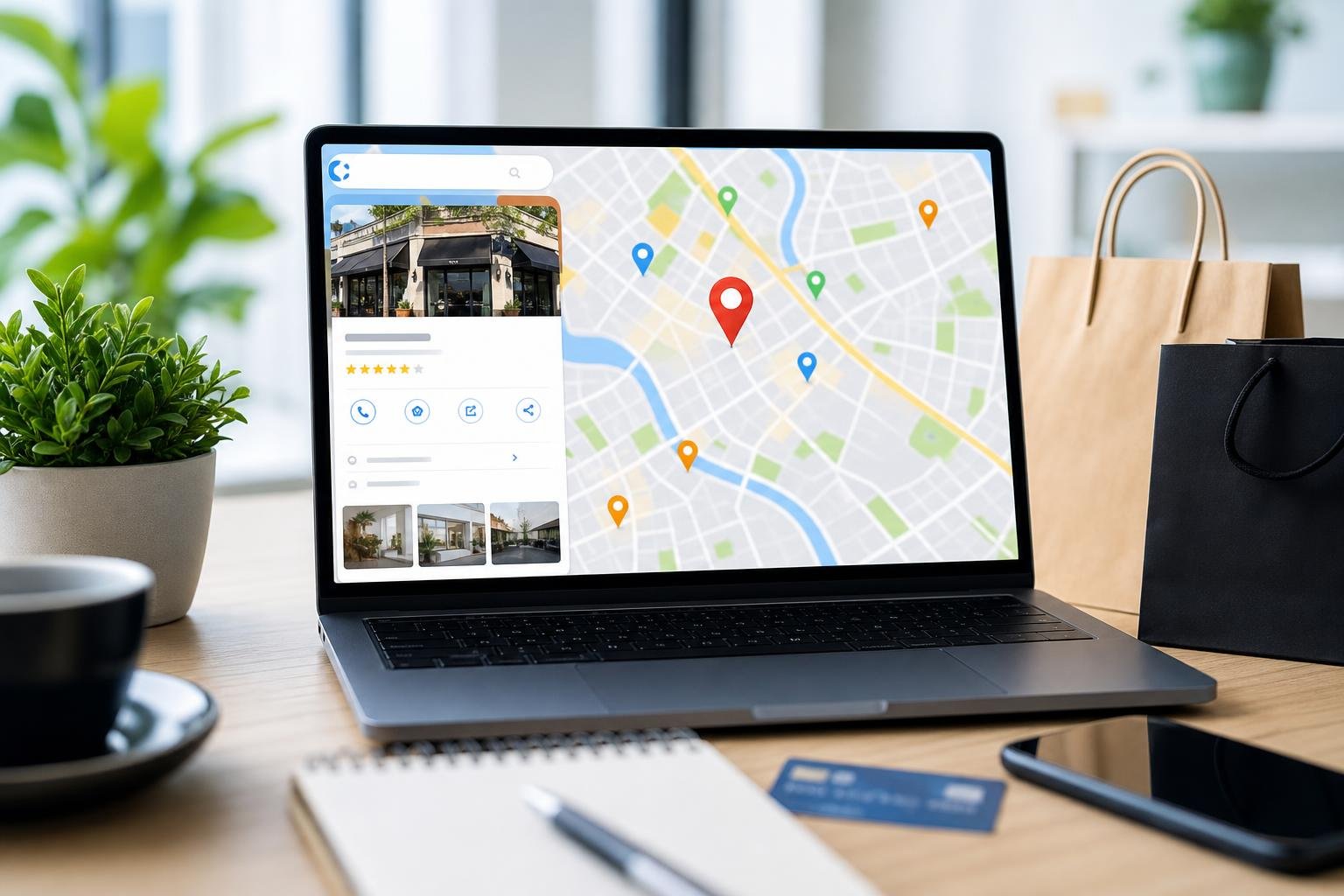
A Google Business Profile is the info layer behind every Maps listing. It controls what customers see, how they interact, and whether they pick you or the plumber down the street.
If you want your profile to work, treat it like a storefront display, not just a directory entry.
The Difference Between Google Maps and Your Google Business Profile
Google Maps is the platform. The Google Business Profile (once called Google My Business) is the content that fills in your listing.
When someone finds a plumber on Maps, everything they see—business name, phone, hours, photos, reviews—comes from the Business Profile.
As BizIQ puts it, the Google Business Profile is the digital storefront that appears on both Maps and local Google Search results. Edit the profile, and you update what shows everywhere.
Core Profile Elements That Influence First Impressions
Several profile pieces shape how a customer sees your plumbing business before they ever click through to your website:
- Business name and category: These should match what you actually use in real life. Picking the right primary category—like "Plumber"—directly affects what searches trigger your listing.
- Business hours and phone number: Outdated hours lose you calls. If someone sees "Closed" when you’re open, they’ll move on without a second thought.
- Star rating and review count: A 4.7-star average with 85 reviews builds more trust than a 5.0 with only two.
- Photos and videos: Good photos of your work, trucks, or team make you look real and familiar. Listings with photos get more direction requests and clicks than those without.
- Business description: This should clearly say what you do and where you serve, but keep it natural and human.
Physical Address vs. Service-Area Business Setup
Most plumbers don’t have customers come to them—they travel to the job. Google lets you set up as a service-area business, hiding your street address but still showing you in map results for your area.
This setup impacts your ranking. A plumber based in Brazoria who serves Pearland, Lake Jackson, and Angleton needs to set the service area just right. Too broad, and you lose relevance. Too narrow, and you miss out on visibility.
The 2026 local SEO guide for plumbers from DataPins calls this one of the first steps to ranking in the map pack for the right searches.
How Local Visibility on Maps Actually Works
Google doesn’t just throw map results up at random. There’s a system—a set of signals—that decides what businesses show up for which searches.
These signals break down into three main categories, and each one can be improved with the right work.
Relevance, Distance, and Prominence Explained
Google’s local ranking system is built on three factors:
| Factor | What It Means | How It Applies to Plumbers |
|---|---|---|
| Relevance | How well your profile matches the search intent | Accurate categories, detailed services, keyword-aligned descriptions |
| Distance | How close your business is to the searcher | Service-area setup, proximity to where the person is searching |
| Prominence | How well-known and trusted your business is online | Reviews, citations, backlinks, website authority, engagement |
Google’s own documentation confirms the algorithm weighs all three together. If you’re 10 miles away but have stronger relevance and prominence, you might outrank someone just 2 miles away.
Why Reviews, Activity, and Category Selection Matter
Customer reviews do two things. They show social proof for people, and they act as ranking signals for Google.
Reviews that mention specific services—like "fixed our slab leak fast"—strengthen your profile’s relevance for those terms.
Staying active on your profile matters, too. Google pays attention when you post updates, add new photos, reply to reviews, and keep info current.
An active, lively profile tells Google and customers you’re engaged.
Picking the right categories is just as important. If you only list "Plumber," you might miss out on searches for "Water Heater Repair" or "Drain Cleaning Service." Adding secondary categories broadens your reach.
How Local SEO Connects Your Profile, Website, and Citations
Local SEO isn’t just about your Google Business Profile. It links your profile, your website, and your business listings all over the web into one big trust signal.
Citations are mentions of your business name, address, and phone on directories, industry sites, and local listings. If your info matches everywhere, Google trusts you more. If it doesn’t, your rankings can take a hit.
NAP consistency —identical Name, Address, and Phone Number across all listings—is foundational. A solid website with service pages that echo your profile’s categories adds another layer of relevance.
Your website, profile, and citations work together as a system—not as separate parts.
The Optimization Work Most Businesses Miss
Setting up a Google Business Profile? That’s a 20-minute job. But keeping it optimized so you actually rank and get calls? That takes real, ongoing effort.
Most plumbing businesses do the initial setup and then stop. They leave a lot of visibility (and business) on the table.
Verification, Video Verification, and Ownership Control
Before any optimization matters, you have to verify your profile. Google uses this to check that the business is real and that you’re actually in charge of the listing.
In 2026, many new profiles need video verification. The owner records a video showing the business location, signage, and proof of operations.
This step keeps spam out and protects real businesses. Skip verification or lose access to your profile owner account, and you’re locked out—you can’t reply to reviews, update hours, or post anything new.
Google Posts, Photos, and Ongoing Profile Freshness
Google Posts let businesses share quick updates right on their profile. These might show off seasonal deals, recent projects, or helpful tips.
Posts show activity and give customers more reasons to check you out.
Photos matter even more. Profiles with fresh, high-quality photos get more clicks, calls, and direction requests.
If you’re a plumber, upload shots of finished jobs, your service vehicles, and your team. Before-and-after repair photos really help—they prove your work is real.
Review Generation and Responding to Reviews
Reviews are huge for both rankings and conversions. A plumber with 120 honest reviews and a 4.8 rating will almost always beat a competitor with just 15, even if those are all perfect 5-stars.
Getting reviews takes a system: ask happy customers at the right moment, make it easy with a direct link, and follow up now and then. Respond to every review, good or bad—it builds trust and keeps your profile active.
Now that AI-powered review management tools are more accessible, plumbers can keep up without spending hours every week.
Service Pages, Conversion UX, and Citation Accuracy
Your website and profile need to work together. Every core service on your Google Business Profile should link to its own page on your site.
Those pages should make it easy for customers to take action: clear calls to action, fast loads, and mobile-friendly layouts. Add structured data markup, too.
Citation accuracy ties everything together. If Google shows one phone number, Yelp another, and Angi an old address, it just confuses everyone—search engines and customers alike.
Regularly check your business listings across directories to catch mismatches before they cause ranking headaches.
DIY vs. Professional Help for Plumbers in 2026
Not every plumber needs an agency. But honestly, not everyone can handle local SEO solo either.
It depends on your competition, how big your service area is, your available time, and how much revenue you’re risking.
When a Solo Plumber Can Manage Local SEO In-House
If you’re a solo plumber in a small market with little competition, you can usually manage the basics yourself. Claim and verify your Google Business Profile, keep hours and contact info up to date, upload photos each month, ask for reviews, and reply to those reviews.
If you’re just serving one small town and the search results aren’t crowded, this DIY approach works fine. It’ll take maybe two or three hours a week.
When Competition, Service Area Size, and Time Make DIY Risky
But things shift when you’re covering multiple cities, facing competitors with hundreds of reviews, or working in a metro where five or more plumbing companies are fighting for three map pack spots.
At that point, optimization gets technical: geo-grid analysis to map rankings across your area, drive-time mapping to spot coverage gaps, and competitor reverse engineering to see what top profiles are doing differently. Plus, you’ll need ongoing citation management across dozens of directories.
If you’re running service calls from 7 AM to 6 PM, who has time for all that?
What Competent Local SEO Should Include Before You Hire Anyone
Before you hire a local SEO provider, make sure you know what real service includes. At a minimum, expect:
- Google Business Profile optimization: Categories, services, attributes, photos, posts, Q\&A management
- Geo-grid tracking: Visibility maps showing where you rank across your trade area, not just one zip code
- Citation audits and corrections: NAP consistency across all the major directories
- Review management strategy: A plan for getting and responding to reviews
- Website alignment: Service pages, schema markup, mobile performance, and conversion-focused design
- Transparent reporting: Regular access to ranking data, Google Search Console metrics, and Google Business Profile insights
Companies like SEO My Website Guru build all that into a system with weekly performance reviews and a 30-Day Results Guarantee. That kind of accountability is what separates the real pros from those who just collect retainers and don’t deliver.
How to Measure Whether Your Maps Presence Is Working
Ranking high on Google Maps means nothing if it doesn’t lead to phone calls, booked jobs, and revenue. The real metrics go way beyond “what position am I in?”
The Metrics That Matter More Than Raw Rankings
Position tracking is useful, but it doesn’t tell the whole story. You might be number one in your home zip code but number eight in the next city—where half your customers live.
Geo-grid analysis fixes this by showing rankings across your whole service area on a map.
But the real performance metrics are:
- Profile views on Search and Maps
- Click-to-call taps
- Direction requests
- Website clicks from the profile
- Photo views compared to competitors
Google gives you most of this data in the Business Profile performance dashboard.
How Calls, Direction Requests, and Website Clicks Signal Demand
Every customer action on your Google Business Profile means something different. A direction request usually means someone’s on their way. A click-to-call means they’re ready to book or ask a question.
A website click? They’re curious but want more info before committing.
Track these actions over time and you’ll spot trends. If click-to-call taps go up after you optimize your profile, you can tie that straight to business growth.
If calls spike after you add new photos or get a batch of reviews, well, that tells you what’s working.
Using Reporting to Tie Visibility to Jobs and Revenue
The best reporting connects map visibility to real job bookings and revenue. You need to track where leads come from—call tracking, intake questions, or CRM integrations all help.
If you see that 40 calls came from your Google Business Profile last month and 28 turned into paid jobs, the ROI on local SEO is obvious. Google Maps Insights data shows you the top of the funnel. Internal job tracking closes the loop.
Providers who offer transparent dashboards, like those from SEO My Website Guru, make it easy for you to see exactly what your investment delivers.
Frequently Asked Questions
How does a Google Business Profile influence customer decisions before they visit or call?
A Google Business Profile shows your star rating, review count, photos, hours, and contact options before a customer even leaves the search results. For most local searches, this profile is the first and only interaction a potential customer has with your business.
A complete, well-kept profile builds trust and makes it easy for people to take action right away.
What information should a business keep updated to improve visibility in local search results?
At the very least, keep your hours, phone number, service areas, business categories, and description current. Add new photos regularly, post Google Posts, and update your services list—these all show Google you’re active.
Outdated or inconsistent info tells both Google and customers that you might not be reliable.
How do reviews and star ratings affect ranking and customer trust?
Reviews directly impact Google’s prominence signal, which is one of the three main ranking factors. More reviews with a strong average boost both your visibility and your conversion rates.
Replying to reviews, especially negative ones, shows accountability and can turn a potential concern into a trust-building moment.
What are the key differences in managing listings on iOS versus Android devices?
The core management experience is basically the same on iPhone and Android, since you use a web browser or the Google Maps app either way. There are a few small layout differences, but all the main features—posting, replying to reviews, updating info—work on both systems.
Can businesses use map listings and location data for commercial marketing purposes without violating policies?
Businesses can promote their own Google Business Profile and use their listing data in marketing materials. But they can’t manipulate listing info, make fake profiles, or use Google Maps Platform data in ways that break Google’s terms of service.
Running Google Maps ads through Google Ads is the right way to do paid promotion inside the Maps experience.
How can photos, posts, and Q\&A be optimized to drive more calls, bookings, or visits?
Photos should actually show real completed work, team members, and service vehicles—not just some random stock images. People want to see who they're dealing with, right?
Google Posts get way more traction when you toss in a direct call to action, like "Call now for same-day service." That little nudge can really make a difference.
For the Q\&A section, it's smart to seed it with common customer questions and answer them yourself as the business owner. That way, you steer the conversation and set expectations.
Regularly updated photos and posts have been shown to increase profile engagement significantly over static listings.