
How To Optimize Your Google Business Profile For Texas Service Businesses
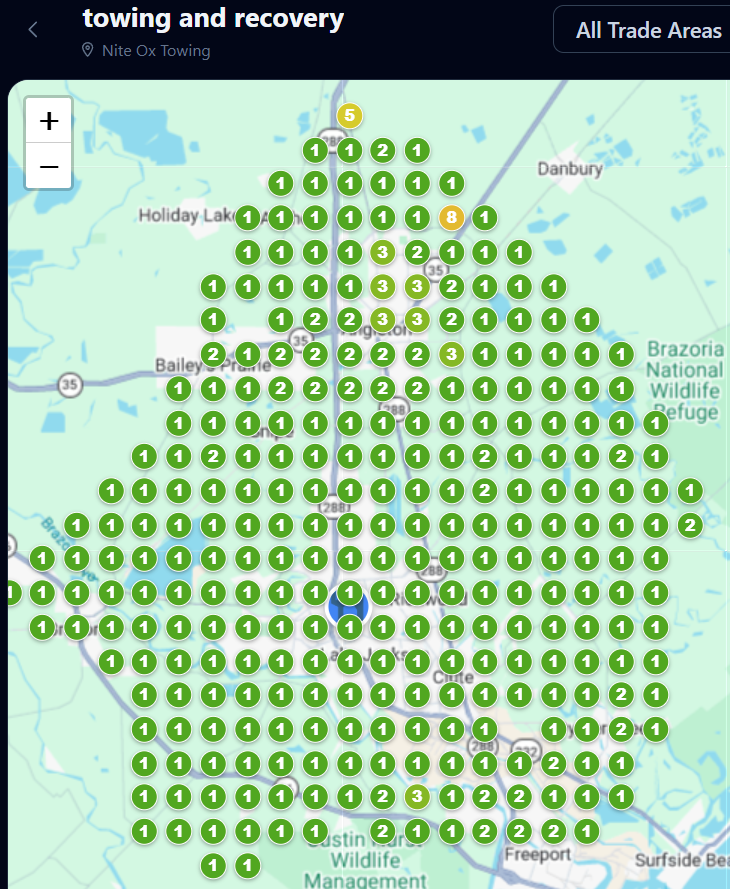
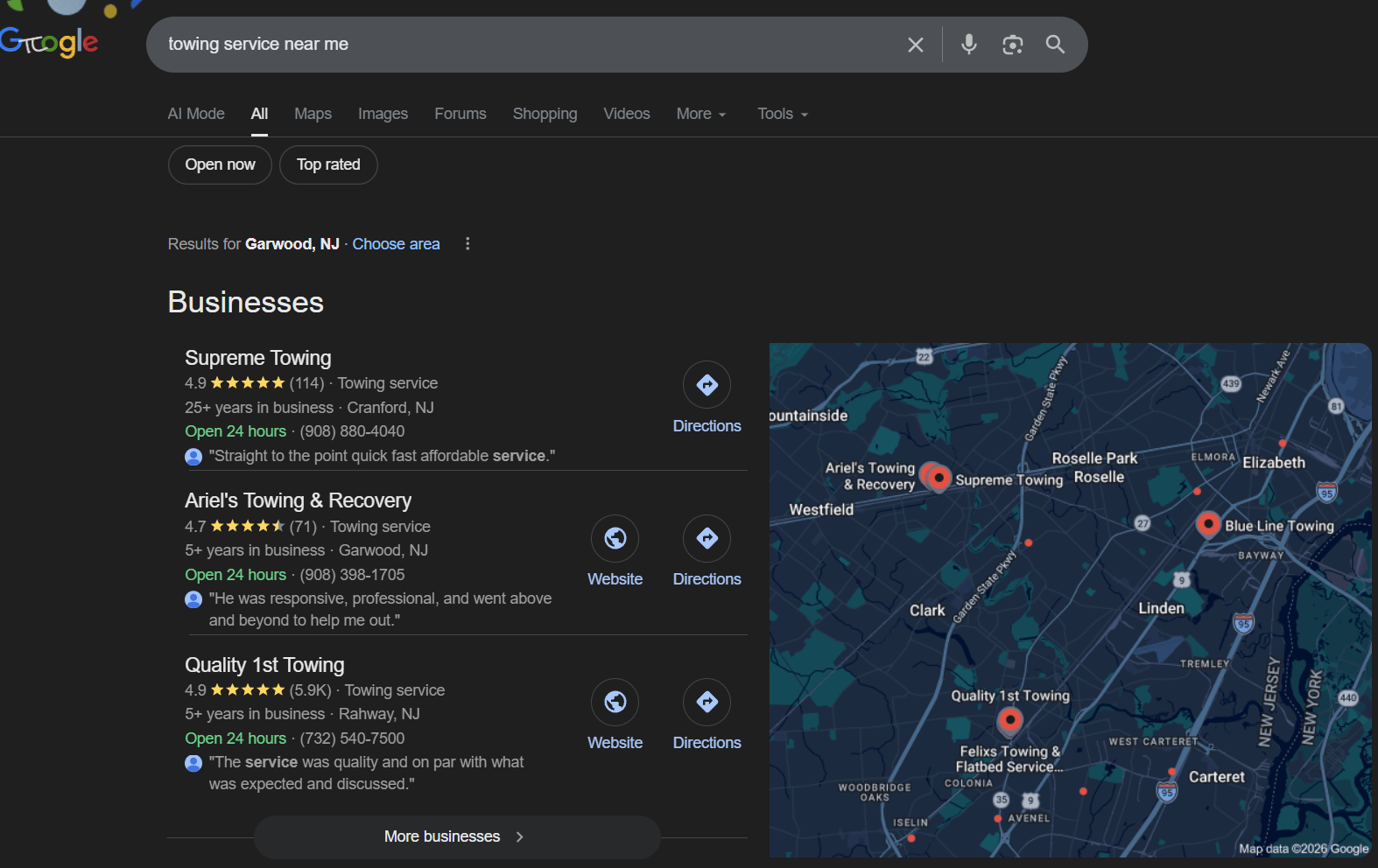
Your Google Business Profile is the front door to your business on Google Search and Google Maps. For Texas service businesses, it is often the first thing a local customer sees before picking up the phone, requesting directions, or clicking through to your website. If your profile is incomplete, outdated, or poorly optimized, you are handing calls and leads to competitors who took the time to get it right.
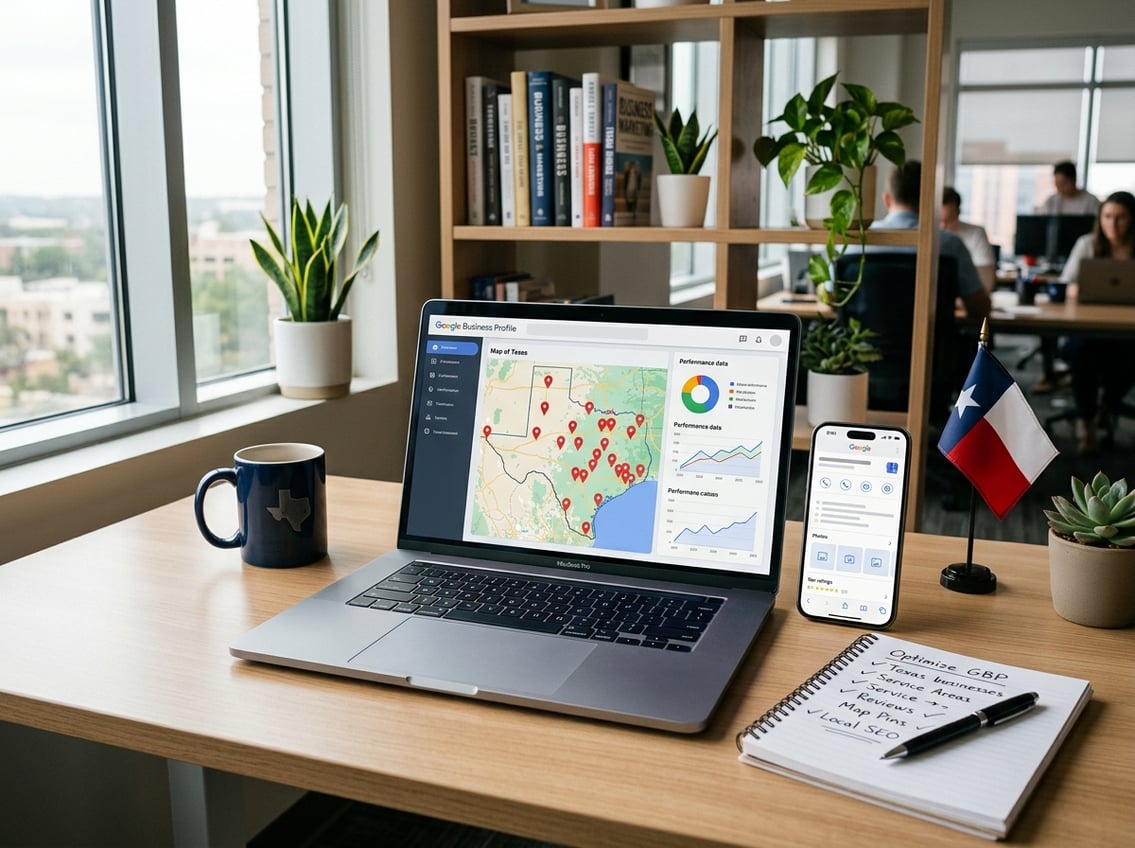
Texas has over 3 million active businesses, and the local search landscape in cities like Houston, Dallas, Austin, and San Antonio is fiercely competitive. But even in smaller markets like Brazoria County or the Gulf Coast region, your digital storefront on Google needs to work as hard as your team does. The good news is that most of your competitors have not fully optimized their profiles. According to one industry analysis, only about 35% of small businesses have a complete Google Business Profile. That gap is your opportunity.
This guide walks you through the highest-impact actions for local SEO on your Google Business Profile, from setup and verification to reviews, photos, and performance tracking. Every step is built around what actually drives calls, direction requests, and website clicks for service businesses in Texas. Whether you handle HVAC, plumbing, lawn care, legal services, or any other local service, these steps apply directly to your business. If you want hands-on help putting this into action, SEO My Website Guru works with small businesses in Brazoria County and beyond and backs its work with a 30-Day Results Guarantee.
Key Takeaways
-
Claiming, verifying, and correctly configuring your Google Business Profile as a service-area or hybrid business is the foundation for showing up in local Texas searches.
-
Completing every profile field, choosing the right categories, and keeping your business information consistent across citations directly influences your local pack ranking.
-
Tracking calls, clicks, and direction requests from your profile turns optimization into a measurable driver of revenue, not just a checklist exercise.
Claim, Verify, And Set Up The Right Business Type

Before you can optimize anything, you need to claim and verify your listing and tell Google exactly how your business operates. It is vital to verify your business early in the process to ensure you can manage your business information effectively. Getting the business type wrong at this stage can hide your address when it should be visible, or display it when it should be private. For Texas service businesses that travel to customers, this step is especially important.
How To Verify Your Business In Google Business Profile Manager
Start by searching for your business on Google Maps. If a listing already exists, you can claim it through Google Business Profile Manager. If not, you will create a new profile from scratch.
Google will ask you to verify that you actually own or manage the business. Verification methods vary. You may be offered a postcard to your business address, a phone call, email, or video verification. Video verification has become more common in 2025 and 2026. Google may ask you to record a short video showing your business location, signage, and equipment. For a local service business without a storefront, this could mean showing your branded vehicle, tools, or home office setup.
Do not skip verification. An unverified profile has almost no visibility in Google Maps or local search results. Complete this step as soon as possible so you can manage your profile and start building local relevance.
When To Choose A Service-Area Business Or Hybrid Business
This is where many Texas service businesses make a critical mistake. Google gives you two main options for how you deliver goods and services:
-
Service-area business (SAB): You travel to customers but do not serve them at your business address. Examples include plumbers, mobile pet groomers, and house cleaning companies. Your address stays hidden from the public.
-
Hybrid business: You serve customers at your location and travel to them. Examples include a pest control company with a walk-in office or a landscaper with a retail nursery. Your address is visible.
If you are a pure SAB, do not list a physical address. Google's guidelines for service-area businesses are clear on this point. Listing a home address when you do not serve customers there can trigger a suspension. Choose the setup that honestly reflects how your business works.
How To Manage Your Profile Without Publishing The Wrong Address
For SAB owners working from home, the temptation to show an address for "credibility" is real. Resist it. Google can and does suspend profiles that display addresses where customers are not actually served.
Instead, define your service area by city, county, or ZIP code. You can list up to 20 service areas. For a Texas service business, you might include specific cities like Pearland, Lake Jackson, and Angleton, or broader areas like Brazoria County or the Greater Houston area.
Log into Google Business Profile Manager regularly to make sure your address settings, service areas, and business type are still accurate. Google occasionally resets fields or prompts you to re-confirm details, and catching those changes early protects your visibility.
Complete The Core Profile Fields That Drive Relevance

Every field in your GBP sends a signal to Google about what your business does, where it operates, and who it serves. Filling out your profile completely is not busywork. Businesses with complete profiles are 2.7x more likely to be considered reputable by Google. The fields that matter most are your business categories, description, hours, website URL, and service area.
Choose The Best Primary Category And Secondary Categories
Your primary category has the single biggest impact on which searches your profile appears for. Be as specific as possible.
If you are an emergency plumber, choose "Emergency Plumber" rather than just "Plumber." If you run a family law practice, "Family Law Attorney" is stronger than "Lawyer." The more precisely your primary category matches what local customers actually search for, the better your chances of showing up in the local pack.
You can add up to 10 secondary categories. Use them to cover additional services you genuinely offer. A roofing company might add "Gutter Cleaning Service" and "Siding Contractor" as secondary categories. Do not add categories for services you do not provide. Google treats category accuracy as a trust signal, and mismatched categories can hurt rather than help.
Write A Clear Business Description Without Keyword Stuffing
Your business description gives you up to 750 characters to explain what you do, who you serve, and what sets you apart. Write it for humans first.
Focus on your core services, your service area, and what makes your business worth choosing. If you are a Texas HVAC company, mention the cities you serve and the types of work you handle. Keep the language natural. Keyword stuffing, like repeating "best plumber in Houston" three times, violates Google's guidelines and makes your profile look spammy.
A strong description reads like a confident introduction, not a keyword list. State what you do, where you do it, and why customers trust you.
Set Accurate Business Hours, Website URL, And Business Information
Inaccurate hours are one of the most common profile problems. If Google shows "hours might differ" on your listing, potential customers may choose a competitor whose hours are confirmed.
Update your business hours for every day of the week, and add special hours for holidays. Link directly to your main website URL, not a social media page or third-party directory. Your website should load fast, work well on mobile, and clearly display your phone number and service areas.
Double-check your business name, phone number, and address (or service area for SABs). This business information needs to match exactly across every platform where your business appears. Even small inconsistencies, like "St." versus "Street," can weaken your local relevance signals.
Strengthen Service And Location Signals For Texas Searches

Filling out your profile is step one. Strengthening the signals that tell Google where you work and what you offer is what moves you into the local pack. This means adding services that reflect how real customers search, using local keywords naturally, and making sure your GBP data matches your presence across the web.
Add Services That Match Real Search Queries
Google lets you add specific services to your profile, organized under your business categories. This is where you match what customers actually type into Google Search.
Think about the exact phrases your customers use. A pest control company might add "termite inspection," "mosquito treatment," and "rodent removal" rather than just "pest control services." A landscaping business could list "sprinkler repair," "sod installation," and "tree trimming."
Each service entry lets you include a short description. Use this space to mention your service area or a relevant local detail. These service entries help Google understand your relevance to specific search queries and can surface your profile for long-tail searches you would otherwise miss.
Use Local Keywords Naturally Across Your Profile
Local keywords help connect your profile to the Texas cities and neighborhoods you serve. Work them into your business description, service descriptions, Google Posts, and Q\&A answers.
Instead of writing "we offer AC repair," try "AC repair for homes in Pearland and Lake Jackson." Instead of a generic post about seasonal specials, reference a specific area: "Getting your home ready for summer in Angleton? Schedule your AC tune-up today."
The key word is naturally. Google's algorithm is sophisticated enough to penalize profiles that force keywords unnaturally. Write the way your best customers would talk about your business.
Align Your GBP With Local Citations And Yelp Listings
Your GBP does not exist in a vacuum. Google cross-references your business information against local citations on directories like Yelp, the Better Business Bureau, Angi, and dozens of industry-specific platforms.
Consistency matters. Your business name, address (or service area), phone number, and website URL should be identical everywhere. As noted in a local SEO checklist for Texas businesses, inconsistent citations confuse Google and dilute your local visibility.
Audit your listings at least quarterly. Fix outdated phone numbers, old addresses, and duplicate listings. This is one of the most overlooked steps in local search rankings improvement, and it is something companies like SEO My Website Guru build directly into their ongoing local SEO services for clients in Brazoria County and surrounding areas.
Use Photos, Posts, And Attributes To Improve Engagement
Visual content and regular activity on your profile signal to both Google and local customers that your business is active, trustworthy, and worth choosing. Profiles with strong photos and consistent posts earn significantly more clicks and actions than bare-bones listings.
What High-Quality Photos And Videos To Upload
High-quality photos make a measurable difference. Profiles with photos get 42% more direction requests and 35% more website clicks compared to those without.
For service businesses, upload photos and videos that show real work. Before-and-after shots of completed projects, images of your team on the job, branded vehicles, and equipment all build credibility. If you have a physical location, include storefront and interior shots. Diversifying your photos and videos helps potential customers understand the full scope of your services.
Avoid stock photos. Google and customers can both spot them, and they do nothing to build trust. Upload at least one new photo per week to signal that your business is active. Short videos showing your team in action or a project walkthrough can boost engagement even further.
How Team Photos, Visual Content, And Google Posts Build Trust
Team photos put faces to your business and create a personal connection before a customer ever calls. A photo of your crew at a job site or your front desk staff feels real and approachable.
Google Posts let you share updates, promotions, events, and news directly on your profile. Posts appear in your listing on both Google Search and Google Maps. They expire after about seven days, so posting weekly keeps your profile looking fresh.
Use posts to highlight seasonal offers, announce new services, share customer success stories, or address common questions. Each post should include a clear call to action like "Call now" or "Book online." Consistent posting signals to Google that your business is active and engaged.
Which Attributes Help Customers Choose Your Business Faster
Attributes are the small details that help customers make quick decisions. Google lets you add attributes like "women-owned," "veteran-owned," "wheelchair accessible," "offers online estimates," and many more depending on your category.
For service-area businesses, attributes like "online appointments" or "free estimates" can improve your click-through rate. Customers scanning the local pack often filter or compare based on these details. Fill in every attribute that honestly applies to your business.
These small signals add up. When your profile is more complete and informative than your competitors, you win more clicks and more calls.
Build Trust With Reviews And Ongoing Reputation Management
Google reviews are one of the most powerful ranking factors for local search and one of the biggest trust signals for potential customers. Your online reputation directly influences whether someone calls you or scrolls past to the next listing.
How To Get More Google Reviews Ethically
The simplest way to get more customer reviews is to ask. Google encourages businesses to remind customers to leave reviews as long as the request is honest and does not involve incentives.
Ask in person after completing a job, send a follow-up text or email with a direct link to your Google review page, or include a QR code on your invoice. Make it easy and timely. The closer the request is to a positive experience, the more likely a customer is to follow through.
Never buy reviews, offer discounts for reviews, or post fake feedback. Google penalizes businesses that violate review policies, and a suspension can wipe out months of optimization work.
Why You Should Respond To Reviews Quickly And Consistently
When you respond to reviews, both positive and negative, you show future customers that you care about their experience. Google has confirmed that businesses that respond to reviews are considered more trustworthy.
For positive reviews, a brief thank-you that mentions the specific service or location adds personality and reinforces local signals. For negative reviews, respond calmly, acknowledge the concern, and offer to resolve it offline. Never argue publicly.
Aim to respond within 24 to 48 hours. Consistency matters more than perfection. A business with dozens of unanswered reviews looks disengaged, regardless of the star rating.
How Customer Reviews Influence Local Rankings And Conversions
Review volume, recency, and rating all factor into local rankings. A business with 150 recent reviews at 4.7 stars will typically outperform one with 12 reviews at 5.0. Google wants to surface businesses that many customers have validated.
Beyond rankings, reviews drive conversions. Most customers read at least a few reviews before making a decision. Detailed reviews that mention specific services, locations, and outcomes give potential customers the confidence to call.
Treat your review strategy as ongoing reputation management, not a one-time effort. Companies that build review generation into their monthly workflow, something SEO My Website Guru emphasizes through its ongoing local SEO services, see compounding returns in both local search rankings and lead volume.
Measure Performance And Connect GBP To Your Website
Optimization means nothing if you cannot measure what is working. Your Google Business Profile includes built-in performance data that shows exactly how local customers find and interact with your business. Connecting this data to your website gives you the full picture.
Track Calls, Website Clicks, And Direction Requests
Inside your Google Business Profile dashboard, the Performance section shows how many people viewed your profile, what actions they took, and how they found you. The three metrics that matter most for service businesses are:
-
Calls: How many people tapped the call button directly from your listing.
-
Website clicks: How many people clicked through to your site.
-
Direction requests: How many people asked for driving directions to your location.
Track these monthly. Look for trends, not just snapshots. A steady increase in calls and clicks tells you your optimization is working. A sudden drop signals something changed and needs attention.
Use Analytics And Google Business Profile Data To Spot Gaps
Your GBP insights also reveal which search queries triggered your profile. This is valuable competitive intelligence. If you expected to appear for "emergency AC repair in Pearland" but that query is nowhere in your data, you have a gap to close.
Google now lets you connect your Business Profile directly to Google Analytics, giving you a more complete view of the customer journey from search to website visit to conversion. Use this connection to see which GBP actions lead to form submissions, phone calls from your website, or booked appointments.
Compare your photo views and review counts against competitors in your area. If their numbers are higher, that is a signal to invest more effort in visual content and review generation.
Why A Fast Local Website Supports Better Conversion Outcomes
Your Google Business Profile sends traffic to your website, but if that website is slow, hard to navigate, or not mobile-friendly, you lose those leads. Google Business Profile optimization and website performance are not separate strategies. They work together.
A fast, mobile-first website with clear calls to action, local content, and proper schema markup converts more of the visitors your GBP sends. Linking to a slow or outdated website is one of the most common gaps Texas businesses miss, and it directly undermines the foot traffic and leads your profile generates.
If your website is not built to support local search performance and conversions, your GBP optimization hits a ceiling. This is an area where working with a local SEO and web design partner, like SEO My Website Guru in Brazoria County, can close the gap between profile views and actual booked jobs.
Frequently Asked Questions
What are the most important steps to fully optimize a Google Business Profile for a service-area business?
Claim and verify your profile, choose the correct SAB designation, select a precise primary category, and complete every profile field including services, description, and service areas. Add high-quality photos weekly, generate consistent Google reviews, and post updates regularly. These steps cover the foundation that drives local visibility and customer actions.
How can a local service business rank higher on Google Search and Maps for free?
Focus on the three factors Google uses to rank local results: relevance, distance, and prominence. Optimize your business categories, keep your business information consistent across all citations, earn fresh Google reviews, and post regularly. These actions are free and, according to Google's own ranking guidance, directly influence your position in the local pack.
How do you verify a service-area business on Google Business Profile in Texas without showing an address?
When setting up your profile, choose the service-area business option and define the cities or counties you serve. Google will not display your address publicly. For verification, you may be asked to complete video verification by recording a short video of your business setup, branded materials, or equipment. Google does not require a visible storefront for SAB verification.
What should be included in a Google Business Profile optimization checklist for service businesses?
A solid checklist covers profile verification, primary and secondary category selection, a complete and natural business description, accurate hours, service entries that match real search queries, consistent NAP (name, address, phone) across all citations, weekly photo uploads, regular Google Posts, review generation, and monthly performance tracking. As noted in a 2026 optimization checklist, GBP accounts for roughly 32% of local pack ranking weight.
How much does Google Business Profile optimization typically cost, and what services are usually included?
Creating and managing your GBP is free through Google. Professional optimization services from local SEO companies typically range from a few hundred to over a thousand dollars per month, depending on the scope. Services usually include category research, citation management, review strategy, content creation, photo uploads, Google Posts, performance reporting, and ongoing adjustments. Look for a provider that ties results to measurable outcomes like calls and website clicks rather than vague promises.
What is the 80/20 rule of SEO, and how does it apply to improving local rankings for service businesses?
The 80/20 rule means roughly 80% of your results come from 20% of your efforts. For local service businesses, the highest-impact actions are choosing the right primary category, keeping your NAP information consistent, earning steady reviews, and posting fresh content. These four areas drive the majority of your local ranking improvements. Focus your time there before chasing advanced tactics that deliver smaller returns.